MediaPocket Browser · More to see.
More to keep.
A browser built for iPhone and iPad.
Bring web photos and videos together, then watch, browse and save.
iOS / iPadOS 17.0 or later · Free download with in-app purchases



Web photos and videos.
Together in one place.
Turn on media extraction to bring photos and videos from supported pages into a gallery. Browse images, tap to play a video, and remember extraction preferences for familiar websites.
- Photos and videos in one gallery
- Arrow keys to switch gallery images
- Extraction preferences saved by website
Press play.
Keep control close.
Watch compatible videos in the native player, go full screen, adjust playback speed or use AirPlay when supported. Double-tap to play or pause, hold for temporary 2× speed, and swipe to seek.
With background audio enabled, compatible native videos can keep playing audio in the background. Privacy protection settings may pause playback.
Demo ready
Worth another watch?
Keep a copy.
Download compatible web videos from the browser toolbar or a video card. Save the finished file to Files or share it with another app, ready for your next watch.
Download the sample videoOnly save content you own or have permission to download. DRM-protected media is not supported. Some downloads need server assistance; see the privacy policy for details.
- Choose a supported video
- Finish the download
- Save to Files or share
Less distraction.
More of the page.
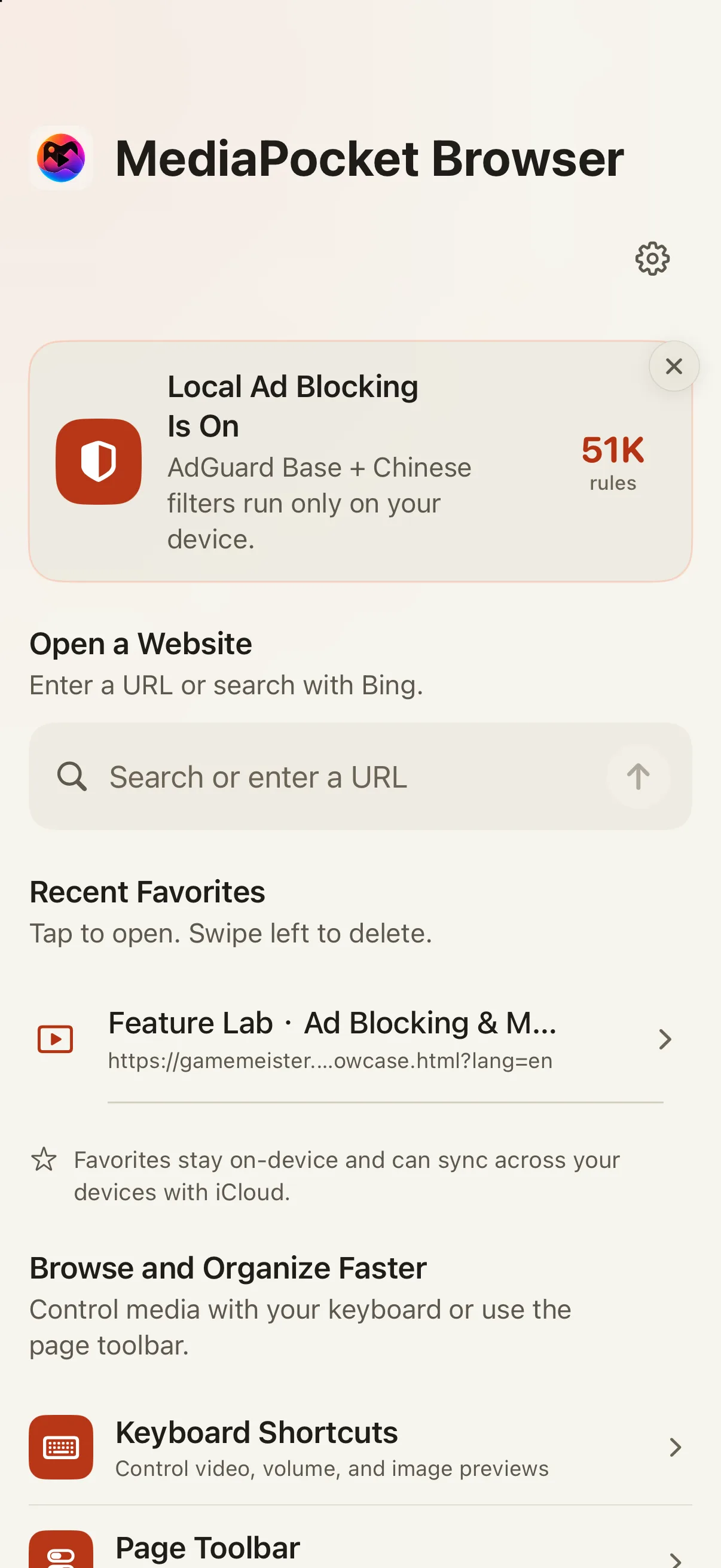
Built-in AdGuard Base and Chinese rules filter common ad requests on your device. Switch blocking on or off from the toolbar, and use reading mode to focus on an article.
Blocking and reading mode depend on the website. Not every ad can be removed.
Take the coastal route
Sea air moves over the cliffs as waves approach the shore. Take a moment to enjoy the view.
Found today.
Easy to find tomorrow.
Keep useful pages in favorites and sync them across your own iPhone and iPad with iCloud. Choose Light, Dark or system appearance.
- Core browsing, search and favorites are free
- Your favorites synced through iCloud
- Optional authentication and app-switcher preview protection
A few things before you download
Which devices does MediaPocket Browser support?
iPhone with iOS 17.0 or later and iPad with iPadOS 17.0 or later. Keyboard shortcuts require a connected hardware keyboard.
What is free, and what needs Pro?
Core browsing, search, favorites and iCloud sync are free. Eligible users can start a 3-day complimentary Pro experience without subscribing. After that, Pro features such as media extraction and video downloads need a monthly subscription or a one-time lifetime purchase. Eligible new subscribers can also receive a separate 7-day App Store free trial. The monthly plan renews automatically unless canceled. Check the app and App Store for current prices and eligibility.
Can I extract and download video from every website?
No. Availability depends on the page structure, media format and device. Compatible public webpage media is supported; DRM-protected content is not. Only download content you own or have permission to save.
Can audio keep playing in the background?
With background audio enabled, compatible native videos can keep playing audio. Web players, website restrictions or privacy protection settings may pause playback. Availability depends on the media and device.
Are my browsing data and favorites uploaded?
Settings and favorites are stored on your device; Apple provides iCloud favorites sync. Server-assisted downloads process information needed for the task, and failed downloads may send redacted diagnostics. See the privacy policy for the full scope and retention details.
How can I contact the developer?
Email sunhk1988@icloud.com with the issue, your system version and steps to reproduce it. The support page also explains how to get started.
Open a page.
Find your next favorite.
Browse photos, watch videos and keep what you love on iPhone and iPad.
Download on the App StoreiOS / iPadOS 17.0 or later · Free download with in-app purchases